Schedule Weeks of Social Posts in Minutes with Your AI Social Media Scheduler, Not Hours
Most contractors either post randomly or not at all. The AI Social Calendar is a social media scheduler for home service businesses that fixes both. Generate captions, pick your platforms, set a date, and walk away. This AI social media scheduler handles publishing while you run jobs. One 20-minute session on Monday covers your entire week.
Works with the platforms your customers already trust










More 5-star reviews, faster
A midnight lockout is stressful for anyone, and the relief on their face when we get them back inside is real. Sync Reviews captures that moment on video before we pack up the van. Best review management software we have tried.

A higher rating in 90 days
Interior repaints are pure transformation for the customer. That reaction comes through in every video review we collect. Our Google listing went from 22 reviews to 61 in 90 days.

More booked jobs from reviews
Each tech has their own hub page with their own reviews and photos. My best installer started getting requested by name because customers could see his work before booking. The accountability alone is worth the subscription.
Inconsistent Posting Is Costing You Leads You Will Never Know About.
A prospect checks your Facebook page at 9 PM on a Sunday. The last post is from four months ago. They move on without calling. You never knew they were looking. That is the invisible tax of inconsistent social media.
The problem is not that contractors do not have content. Every job is content. The problem is that turning raw job content into a week of scheduled posts requires time, a tool, and a system that most small business owners do not have.
The AI Social Calendar is the AI social media scheduler for contractors that gives you all three. Generate captions, schedule them across Facebook, Instagram, and LinkedIn, and let the system post while you are on the job site. No social media manager. No Sunday-night scramble. No dead pages.
Everything in One AI Social Media Calendar for Contractors
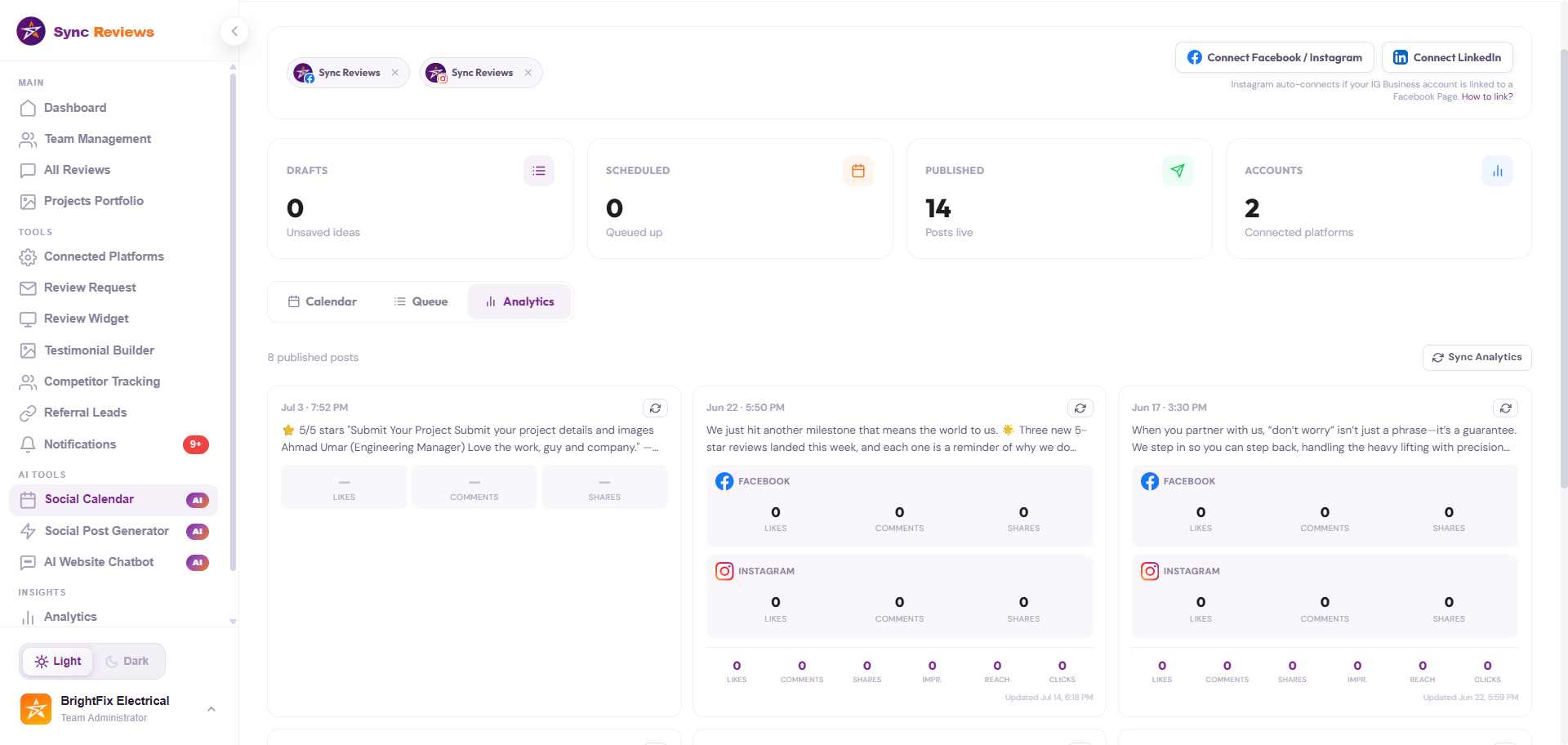
See every scheduled post by day. Drag to reschedule, click to edit. The full month at a glance so you can spot gaps before they become dead weeks.
Every post shows its status: draft, scheduled, or published. Nothing slips through the cracks. Published posts stay in the calendar as a record of what went out.
Batch a week of posts in three steps.
Generate
Enter a topic: a job you just finished, a seasonal offer, a team spotlight. AI writes the caption for your chosen platform in seconds.
Schedule
Pick a date and time, choose your platforms, and slot the post into the calendar. Repeat for each post in your batch.
Run jobs
The calendar publishes each post automatically at the scheduled time. Check back at the end of the week to see results.
What consistent scheduling actually does
Replace 8 tools with one login
A simple comparison showing the stack a contractor
would otherwise assemble
The usual tool pile


One login, One bill
The proof, in our own widget
Securing your digital world: your trusted partner in data
protection with cutting-edge solutions
"My reviews used to be scattered across Google and Facebook and weren't converting. Sync Reviews put everything in one place, made video reviews one-click easy, and lets my team capture before-and-afters in the app. We're winning more jobs because of it."
"Now, we're able to capture real customer feedback right after each job and build a strong portfolio with before and after results without extra effort."
"Since we started using Sync Reviews, the process has become much easier. We can request reviews at the right time, collect before and after photos, and keep everything organized in one place."
34 → 212
reviews in 8 months
Painters go from nearly invisible to the top-rated choice in their zip.
+142
new reviews in 6 months
HVAC pros now book 30% of jobs straight from the website chatbot.
HOW IT WORKS
Up and running in an afternoon.
No new habits for your crew. No app for your customers to download. One QR code does the work.

Connect it once
Link Google, Facebook, and Trustpilot, then drop your review widget on your site. About 10 minutes, and you're done for good.
Time tag: ~10 min, one time
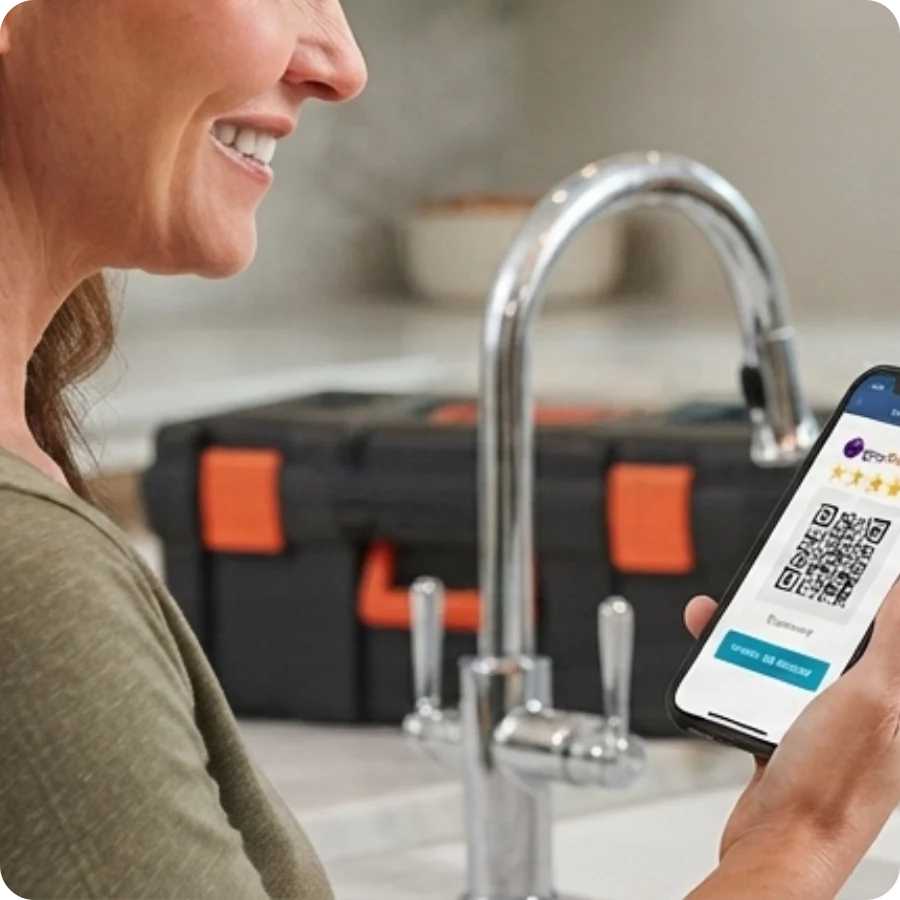
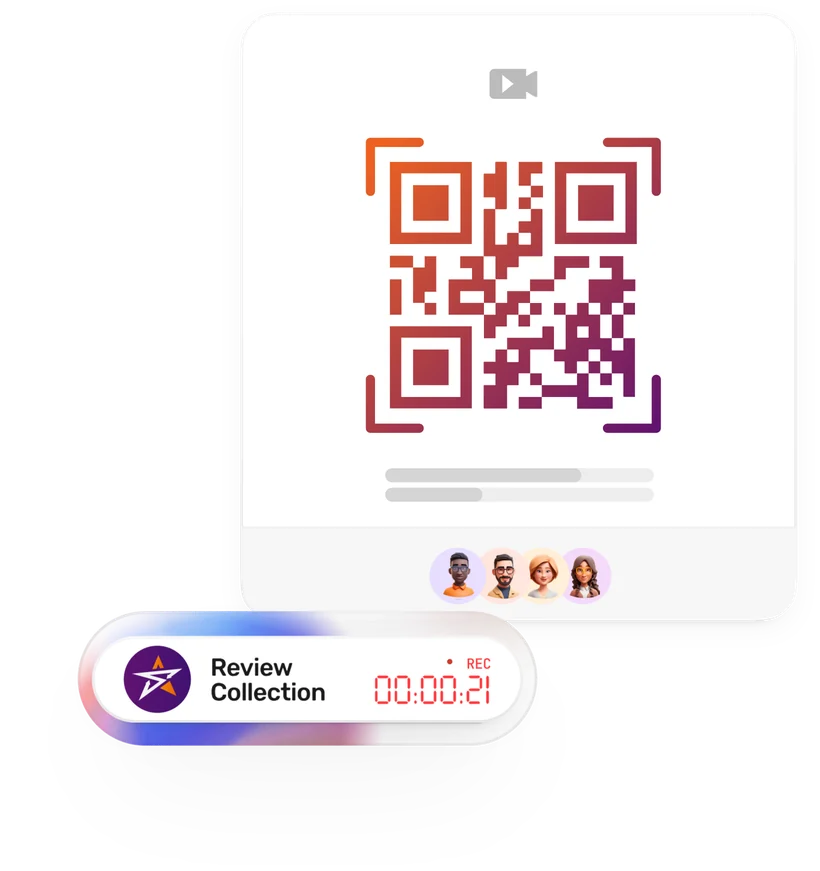
Your customer scans one QR code
At the end of the job, the customer scans a code and records a 60-second review on their own phone. Nothing to install. Nothing for your crew to learn. That's the entire ask.
Time tag: about a minute per job

You watch it work
New reviews get answered, your best jobs turn into social posts, leads get captured around the clock, and unfair reviews get flagged before they hurt you. All from one dashboard, while you stay in the field.
Questions About the AI Social Calendar? Here Are the Answers.
No fine print. No marketing spin. Just straight answers about how the social calendar works for home service contractors.
You can schedule and publish to Facebook Pages, Instagram, and LinkedIn company pages directly from the Sync Reviews calendar. Connect each platform once via OAuth and your posts go out automatically at the scheduled time.
More From the Sync Reviews Feature Set
Video Reviews
Capture and share customer video testimonials from the job site.
Learn moreQR Code Reviews
One scan to a review page: no typing, no friction for customers.
Learn moreBefore and After Portfolio
Document job site photos to build your proof library.
Learn moreReviews Widget
Embed your best reviews anywhere on your website.
Learn morePublic Profile
A branded page showcasing your reviews and portfolio.
Learn moreTeam Hub
Personal hub pages for every crew member.
Learn moreDashboard
Every review, photo, and crew metric in one view.
Learn moreAI Social Posts
Generate captions from reviews and photos with one click.
Learn moreAI Review Replies
AI-generated responses to every inbound review.
Learn moreAI Support Agent
Answer customer questions automatically from your review content.
Learn moreField Crew Management
GPS-verified check-ins and time tracking for field crews.
Learn moreReferral Program
Turn 5-star customers into a tracked, rewarded referral source.
Learn moreReview Protection
Dispute fake and unfair reviews and defend your star rating.
Learn moreCompetitor Scoreboard
Track rivals' ratings and review counts, refreshed weekly.
Learn more
Stop losing jobs to contractors
with more reviews.
Show your first QR code today. Have proof in your dashboard
before tonight. 7 days free, no credit card, no contracts.